Random Group Generator: Groups in One Tap
Work groups in class, teams at practice, breakout circles at a workshop: a random group generator takes the assignment off your hands — and every argument with it. Here's what to look for and the fastest way to do it.
What a good random group generator needs
- Saved lists: set up your class or team once — don't retype it every time. This is the big weakness of most online generators.
- Fair distribution: 25 people into 4 teams means teams of 6–7 — the generator has to spread the remainder cleanly.
- Flexible targets: sometimes you want 4 teams, sometimes groups of 3 — both must work.
- Attendance: whoever's missing leaves the draw with one tap, without editing the list.
Online generator or app?
Web tools are quick to reach but forget everything when the tab closes — and typing name lists into third-party web forms becomes a privacy problem the moment student names are involved. An app like Team Zufall stores your groups locally on the device: set up once, reuse forever, nothing transmitted.
Three steps to random groups
- Create or import a list Type names directly or load a CSV from Excel/Google Sheets.
- Set the group size Choose the number of teams or people per group.
- Draw The animation visibly scrambles all names — results in seconds, PDF export on demand.
Bonus: shake the device for a fresh draw — perfect for when the lottery pairs up the two inseparables yet again.
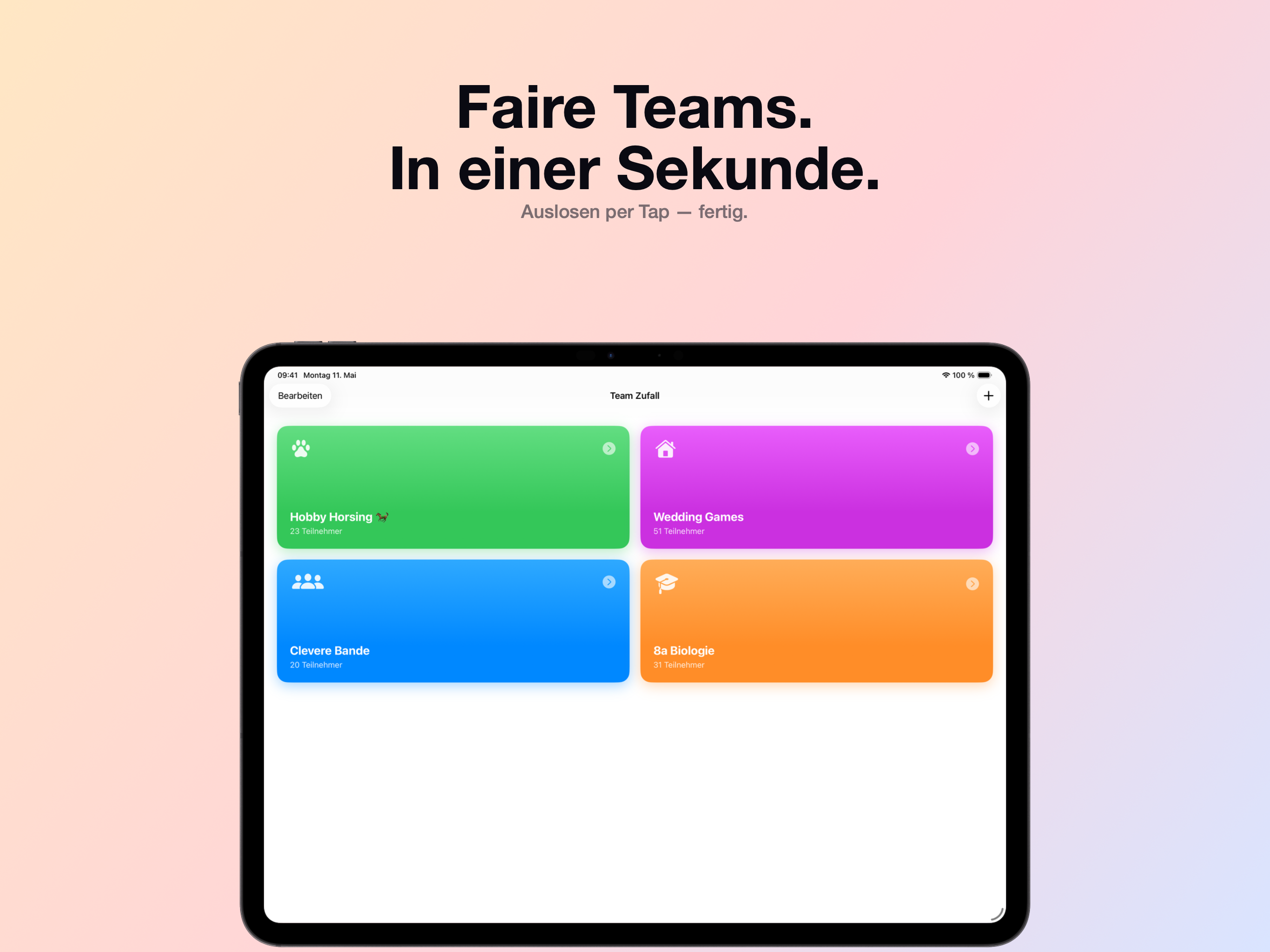

Get Team Zufall for free
Free download · iPhone & iPad · iOS 17+ · No account needed
 Discover Team Zufall →
Frequently asked questions
Is there a free random group generator?
Yes. Team Zufall is a free random group generator for iPhone and iPad — with saved lists, CSV import, and PDF export.
Can I import name lists from Excel?
Yes. Export your list as CSV from Excel or Google Sheets and import it straight into Team Zufall — the whole class is set up in seconds.
Does the generator distribute fairly?
Yes. Team Zufall distributes all active participants purely at random and evenly across the teams — remainders are spread so teams differ by at most one person.