Team Zufall
Random team generator & group maker — divide any group fairly, in one second.

Random team generator & group maker — divide any group fairly, in one second.
Features
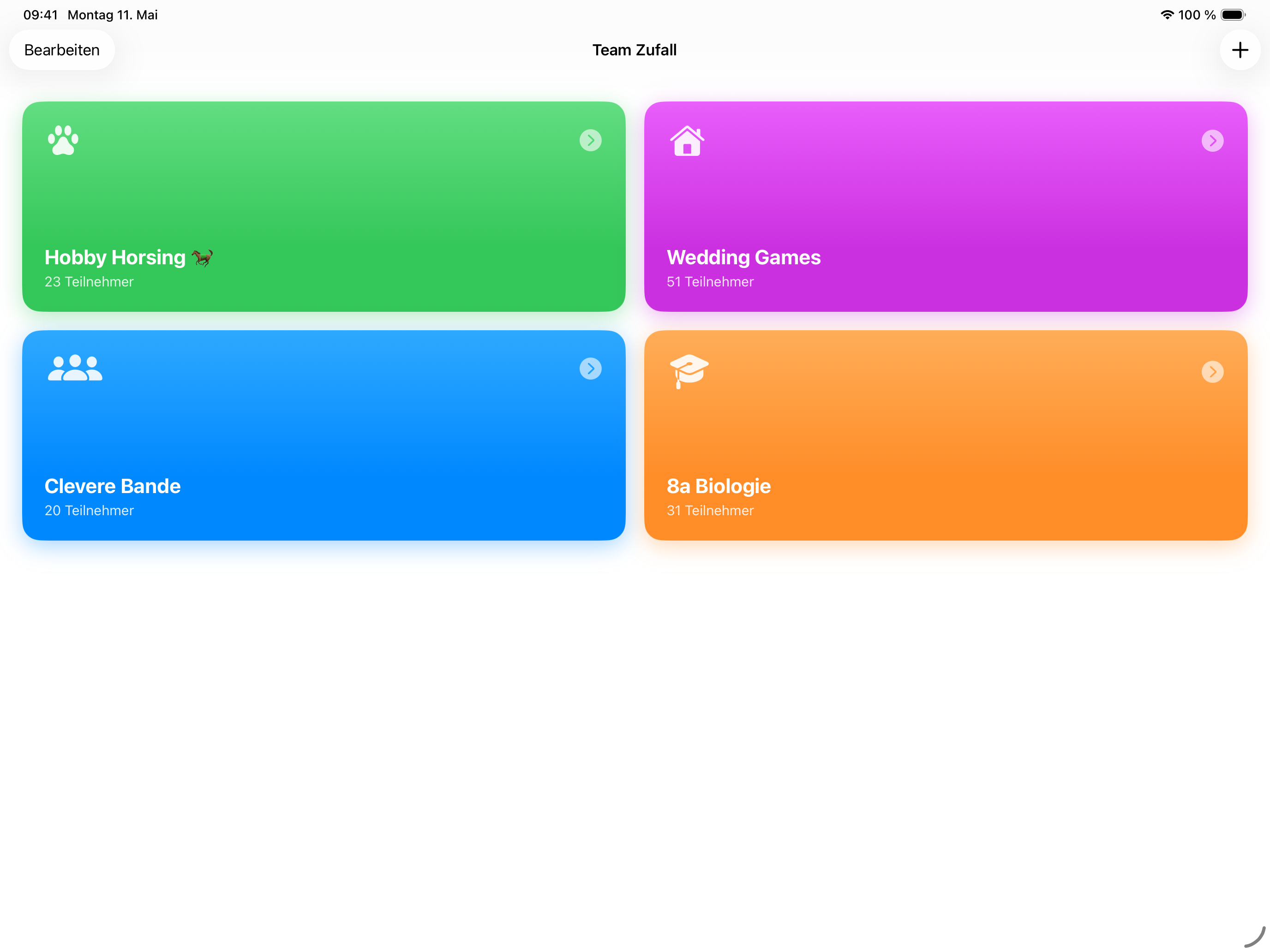
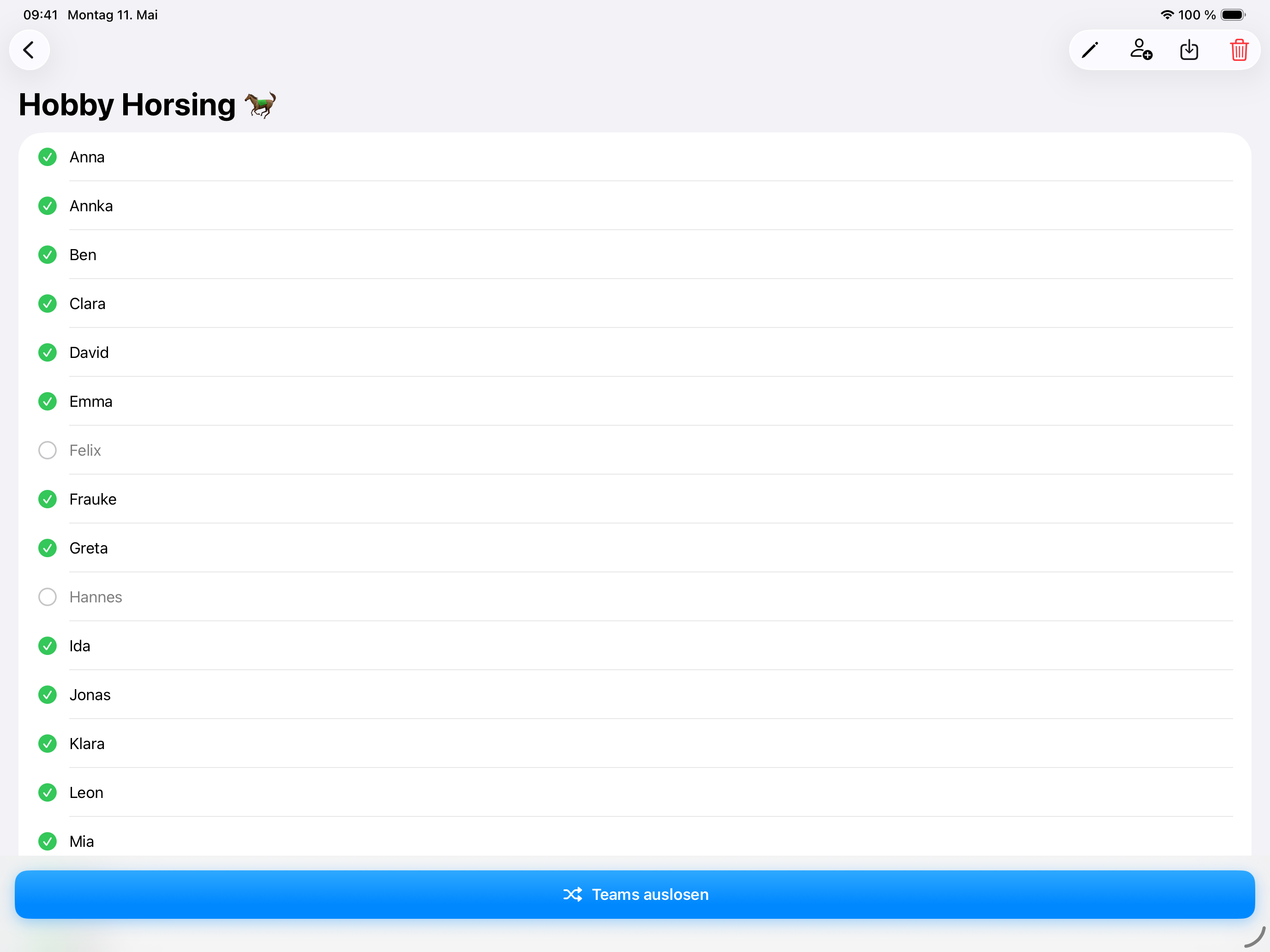
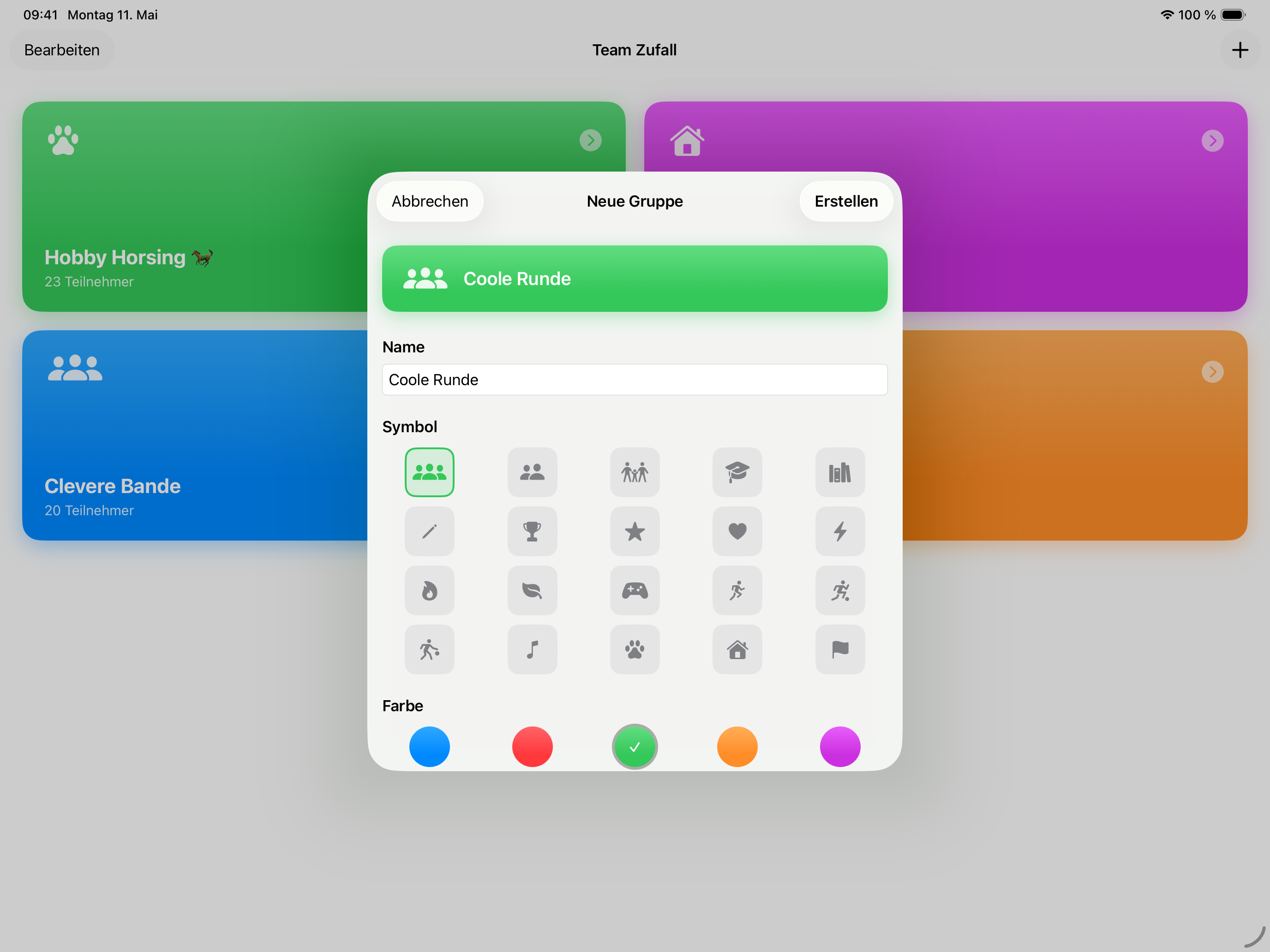
Enter your groups once. Names are saved — no retyping next time.
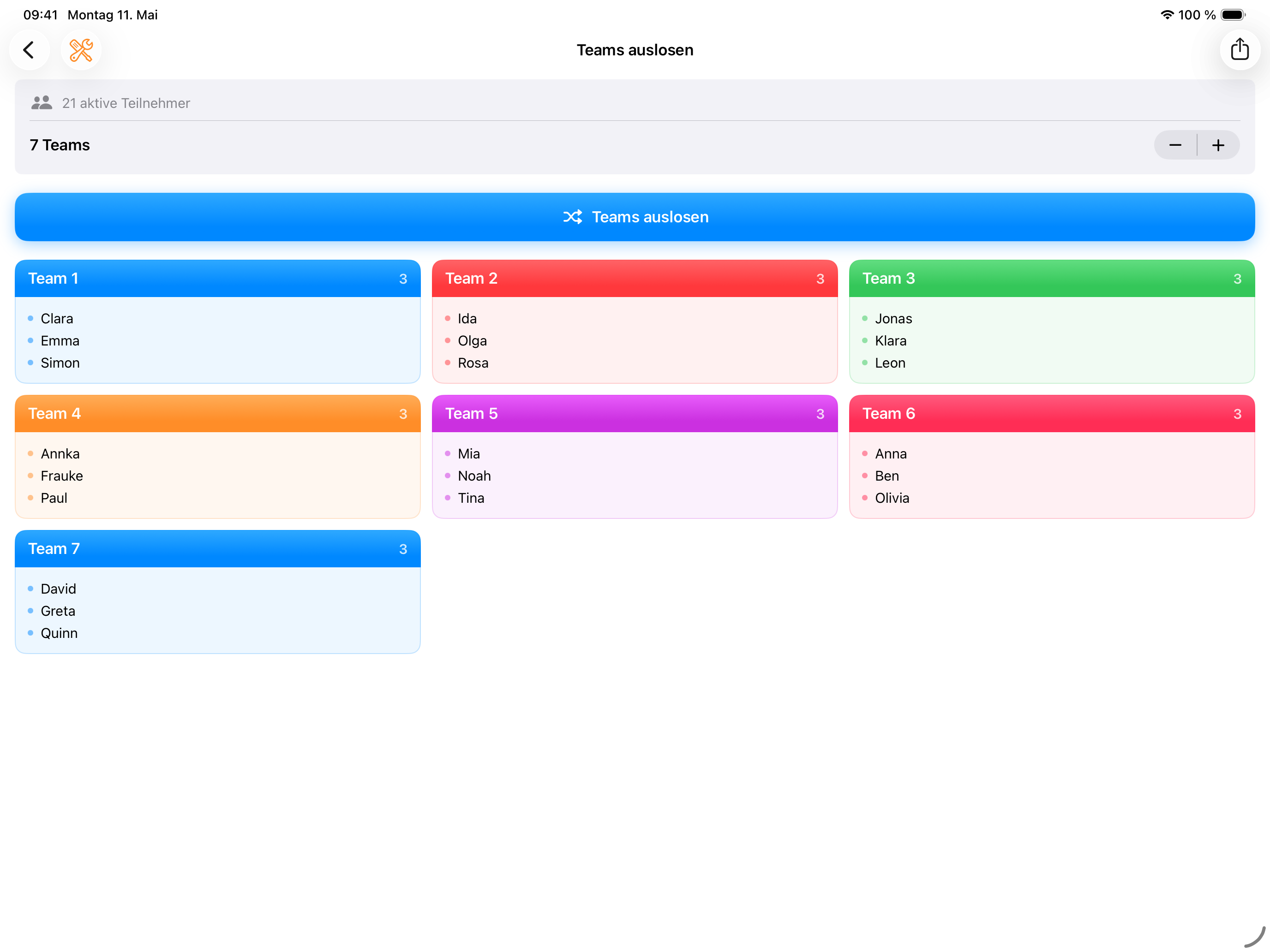
All participants are distributed evenly and randomly into teams. Ready to go immediately.
Teams of 2, 3, 4 — you decide how many people should be in each team.
Team Zufall makes dividing groups into random teams as simple as possible. Whether for sports, seminars, workshops, or the classroom — one tap is enough, and everyone is drawn fairly into teams. The app saves your groups locally, so you can start right away next time. No sign-in, no cloud, no distractions.
How it works
Type in names or import the whole list as CSV from Excel or Google Sheets. Once created, everything stays saved.
Whoever's out today gets deactivated with one tap — and is skipped automatically in the draw.
Choose the team count and draw — the animation visibly scrambles all names, then the teams are set. Not happy? Shake the device for a new round.
Show the teams full-screen, beam them onto the wall, or export as PDF.
Guides
Random, fair, and drama-free — how it works in class.
Read the guide →What a good generator needs — app or online tool?
Read the guide →Fair teams for PE, practice, and clubs.
Read the guide →Counting off, cards, puzzles, Excel, or app — what fits when.
Read the guide →FAQ
Add your group to Team Zufall once, enter the participants, and tap "Draw Teams". The app distributes everyone evenly and randomly into the chosen number of teams — in seconds.
Learn more →For anyone who regularly splits groups into teams: teachers, coaches, seminar leaders, club organisers, or event planners.
Learn more →Yes. You decide how many people should be in a team — groups of 2, 3, 4 and more are possible. Team Zufall distributes the participants evenly.
Learn more →No. All groups and participant names remain exclusively on your device. No data is transmitted to external servers.
Learn more →Yes. Export the list as CSV from Excel or Google Sheets and import it straight into Team Zufall — the whole class or roster is set up in seconds.
Learn more →Yes. Team Zufall is free for iPhone and iPad (iOS 17+) on the App Store.
Learn more →Your next group split takes one second.
Download for free — and never fold paper slips again.