
Platzwahl
The classroom seating chart app for teachers: create a seating chart in one tap — automatic, fair, print-ready as PDF.

The classroom seating chart app for teachers: create a seating chart in one tap — automatic, fair, print-ready as PDF.
Features
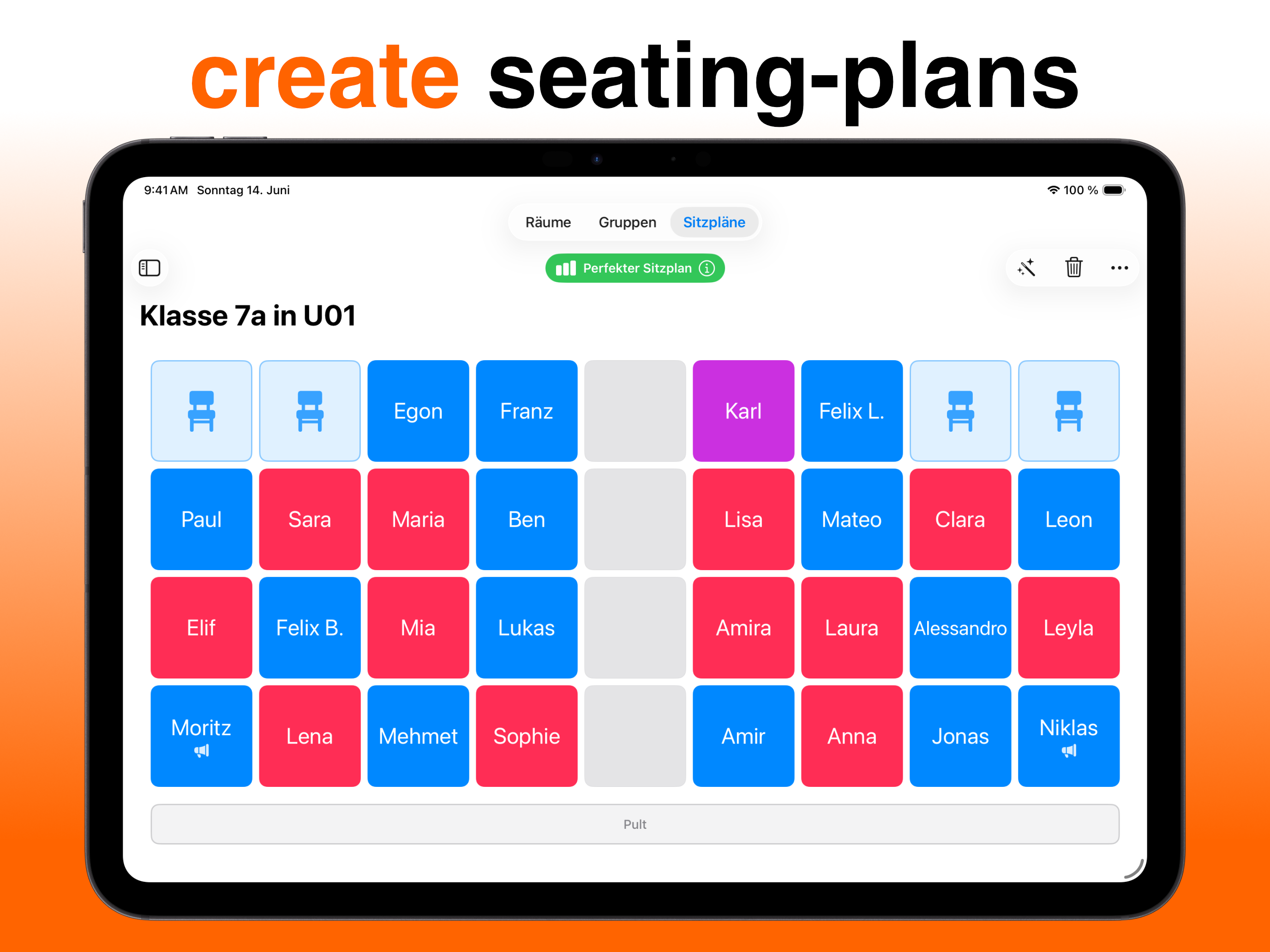
One tap — Platzwahl distributes all students automatically and in accordance with the rules you've set. No manual rearranging, no trial and error.
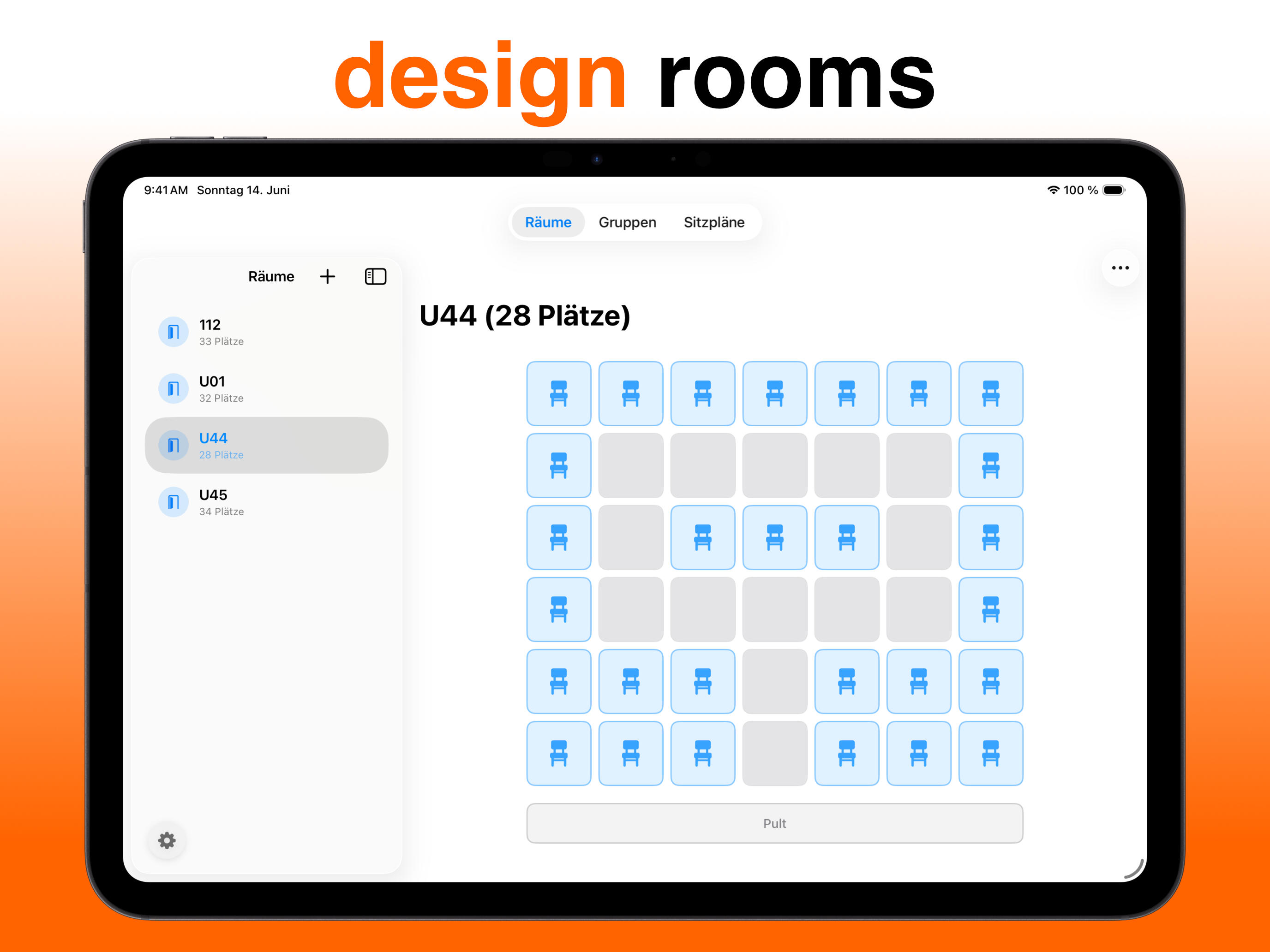
Place desks, leave gaps, position the teacher's desk — recreate your classroom exactly as it is. Any layout is possible.
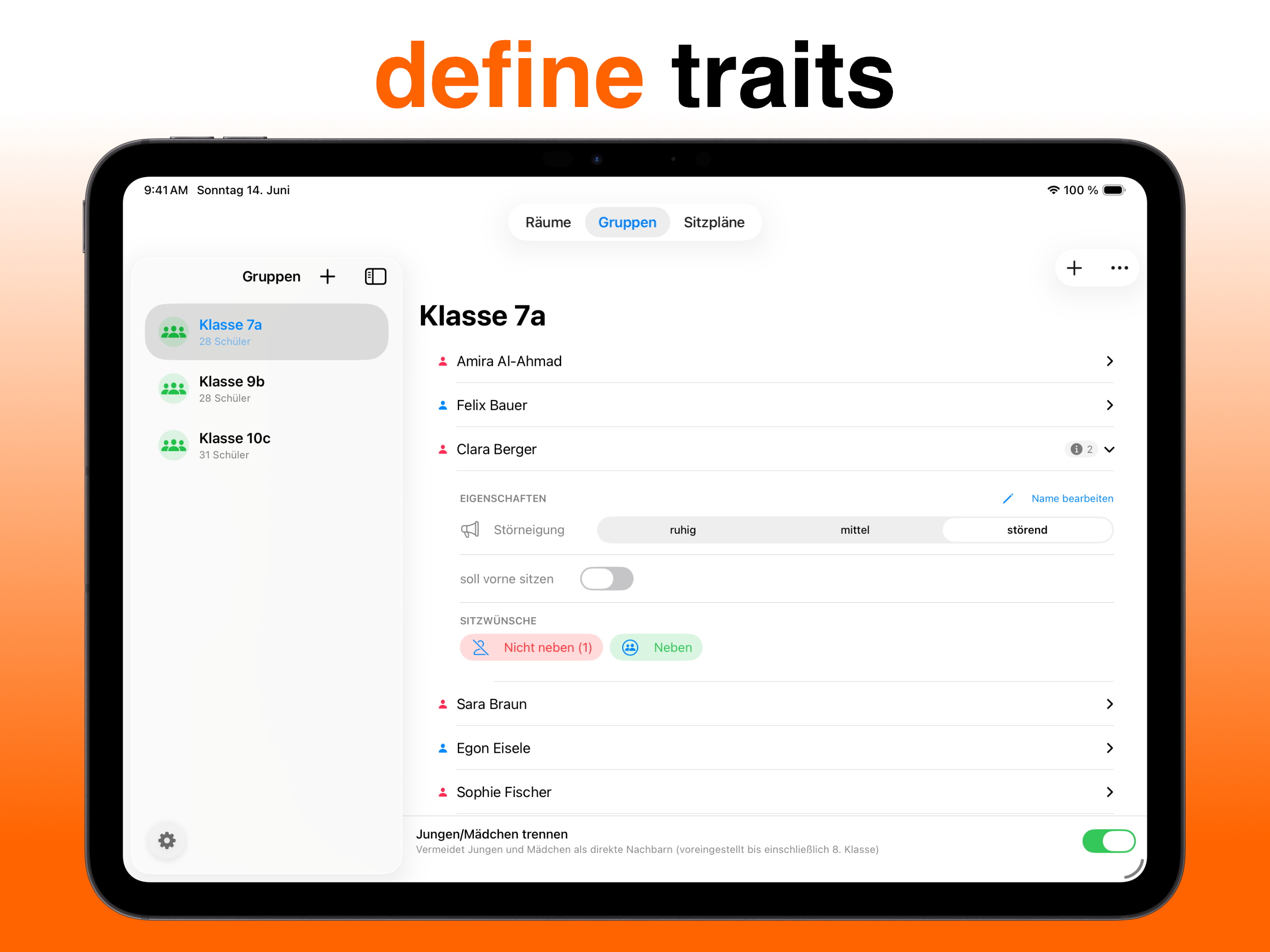
Disruptive tendencies, seating preferences, sit at the front — individual rules feed directly into the calculation.
Every rule violation is explained and weighted. You can see exactly why a plan is good — or still needs improvement.
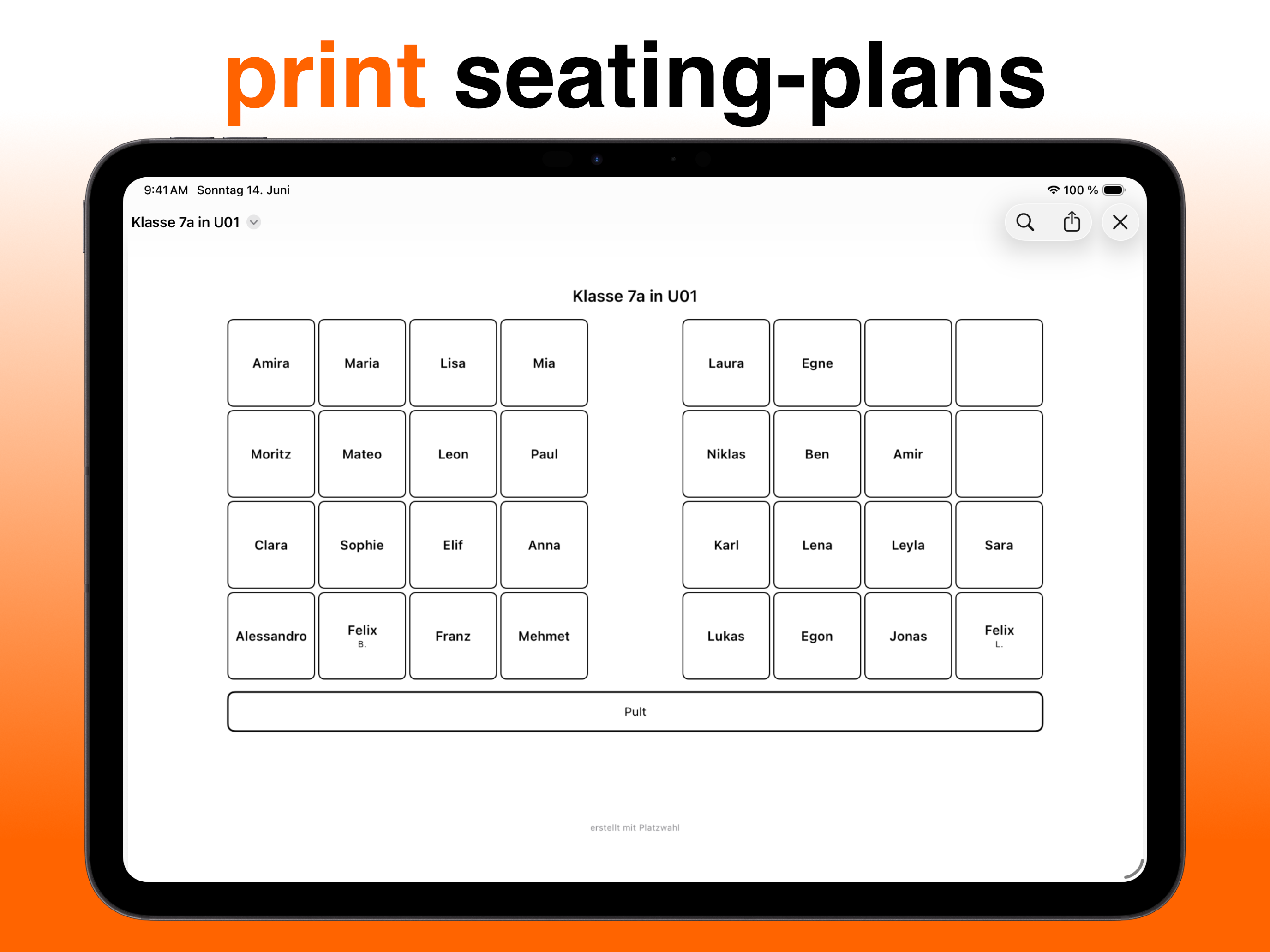
Clean seating plan as PDF — print it, place it on the desk, done. No post-processing needed.
Platzwahl is for teachers who need a working seating plan in the morning — not an hour to create one. Set up the room once, add your class, define rules. From then on, the app does the work: it distributes everyone fairly, displays rule conflicts transparently, and delivers the result as a print-ready PDF. No cloud, no sign-in, no distractions.
How it works
Draw your room as a grid — tap seats or paint whole areas with your finger. Rows, U-shape, table groups: any layout works.
Enter students or import them via CSV from Excel. Then mark per student: disruption level, front-row seat, preferred neighbors, separations.
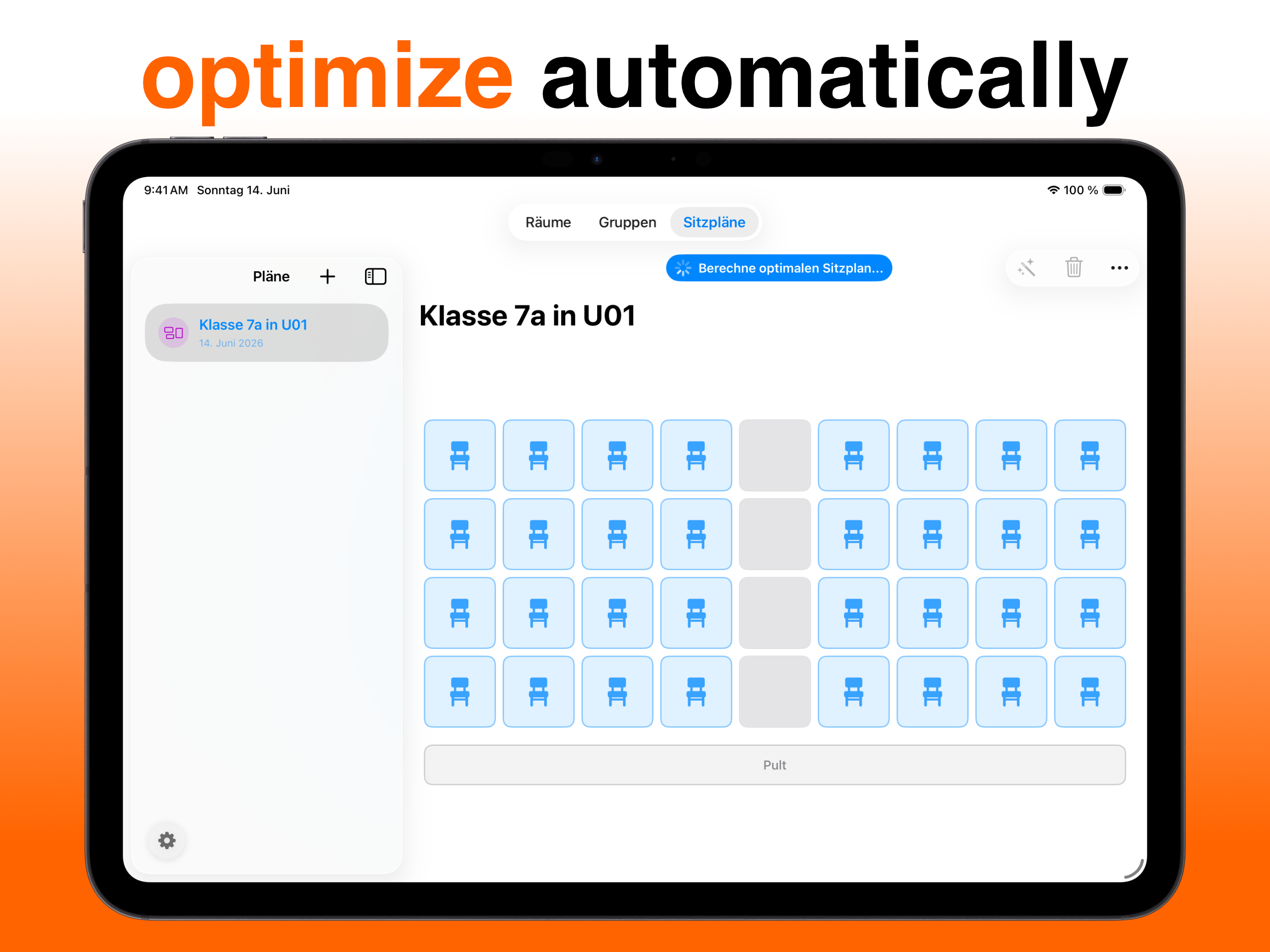
The genetic algorithm computes the best possible seating chart. A score shows how well all rules are met — every deviation is explained.
Export the finished chart, print it, put it on your desk. Need a new one? One tap.
Guides
Five minutes to a finished chart — what actually matters.
Read the guide →Why random isn't enough — and how the algorithm works.
Read the guide →Rows, U-shape, table groups — ideas for restless classes too.
Read the guide →App instead of Excel — and why privacy is criterion #1.
Read the guide →FAQ
For teachers of all school types who want to create seating charts quickly and fairly — without spending hours manually rearranging or fiddling with spreadsheets.
Learn more →The app distributes students based on individual rules — disruptive behaviour, seating preferences, gender separation — optimally across the available seats. A score shows at a glance how good the chart is and which rules are still violated.
Learn more →No. All entered names and rules remain exclusively on your device. There is no transmission to external servers — neither by us nor by any third party.
Learn more →Yes. You can create as many rooms and classes as you like, each with their own seating charts. Everything is saved.
Learn more →Yes. Every seating chart can be exported directly as a PDF — clean, effortlessly, immediately ready to print.
Learn more →Yes. Platzwahl is free on the App Store. Platzwahl Pro optionally unlocks unlimited rooms, groups, and seating charts.
Learn more →Yes. Export the class list as a CSV file from Excel or Google Sheets and import it straight into Platzwahl — the whole class is set up in seconds.
Learn more →Your next seating chart takes one minute.
Download for free — and never shuffle names around again.